Small UK businesses on, or considering, the VAT flat rate scheme, and the bookkeepers who have to show why the payable figure is what it is.
How it works
- Enter your net turnover, the VAT rate you charge and your trade's flat rate.
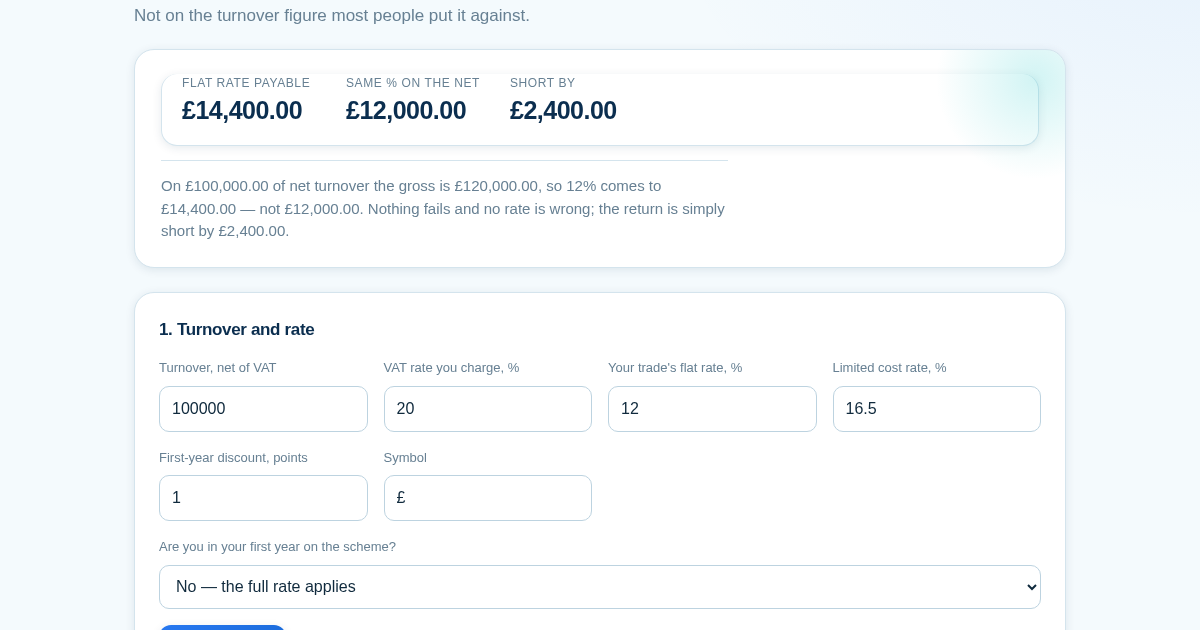
- Read the payable figure against what the same percentage gives on the net — that difference is the usual error.
- Enter the input VAT you would have reclaimed and compare the two schemes against the break-even.
- Enter your spending on goods to see which side of the goods test you are on, and by how much.
What you gain
- Tells you the exact point of input VAT at which the UK flat rate scheme stops paying off, comparing both schemes on your own turnover instead of a rule of thumb.
Screenshot
Technical details
How to set up & use
- Buy the license — your key (lic_...) appears on the order page and in your email.
- Sign in at app.synoriaai.com with your license key.
- No installation — the product runs in your browser, on your own isolated instance.
- 1. Enter your VAT-inclusive turnover and the VAT rate.
- 2. Enter the flat rate percentage for your trade, and choose whether this is your first year of VAT registration.
- 3. Click 'Calculate' to see the flat rate payable on the gross amount, alongside what the same percentage would give on the net figure, and the difference between them.
- 4. Enter your input VAT (VAT you can reclaim) to see the break-even point where the flat rate scheme stops being beneficial compared to standard VAT accounting.
- 5. Review the results, including the goods test check and the self-check that VAT charged equals VAT paid over plus VAT kept.
Frequently asked questions
Does this tool store my turnover or VAT figures?
No. All calculations happen in your browser. We do not save or transmit any of the numbers you enter.
What does the 'goods test' do?
It checks if you spend enough on goods (as a percentage of gross turnover) to stay on your current flat rate. If you fall below the threshold, the tool shows how far short you are, because that would move your entire turnover to the higher limited cost rate.
Does this tool give me tax advice or guarantee my VAT return is correct?
No. It performs arithmetic based on the rates and figures you enter. It does not account for every possible rule or edge case. Always confirm with HMRC or a qualified accountant before submitting your return.
Related products
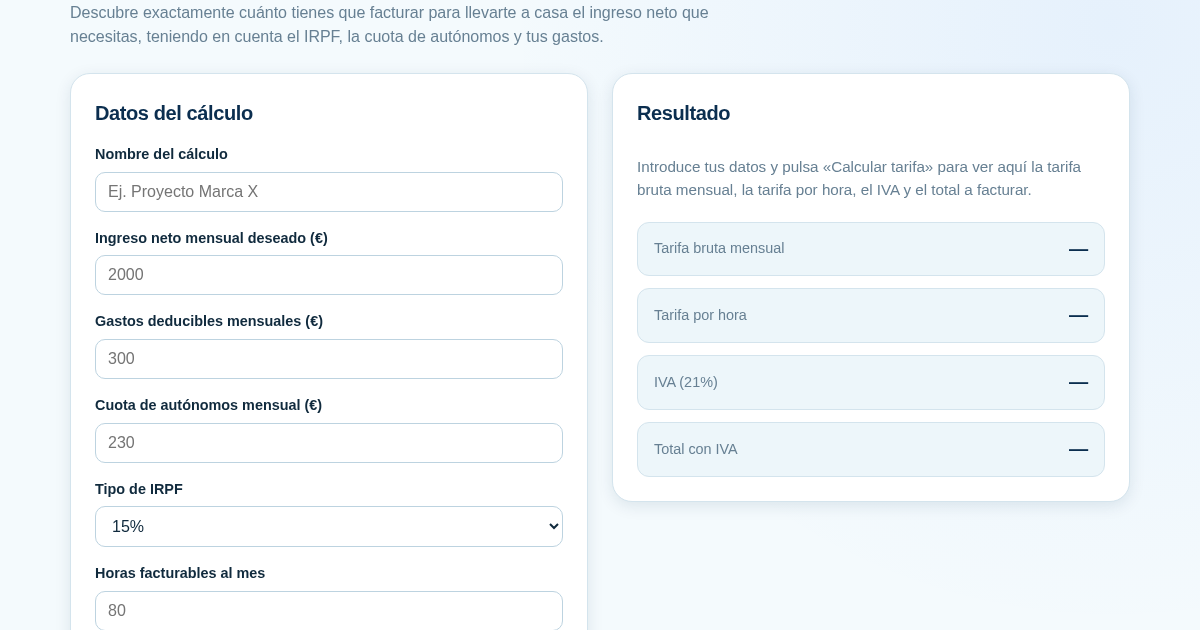
Calculadora de Tarifas para Autónomos
Muchos autónomos fijan sus tarifas sin saber cuánto necesitan facturar realmente para alcanzar el ingreso neto que quieren. Esta calculadora parte del neto mensual deseado y calcula la facturación bruta necesaria…
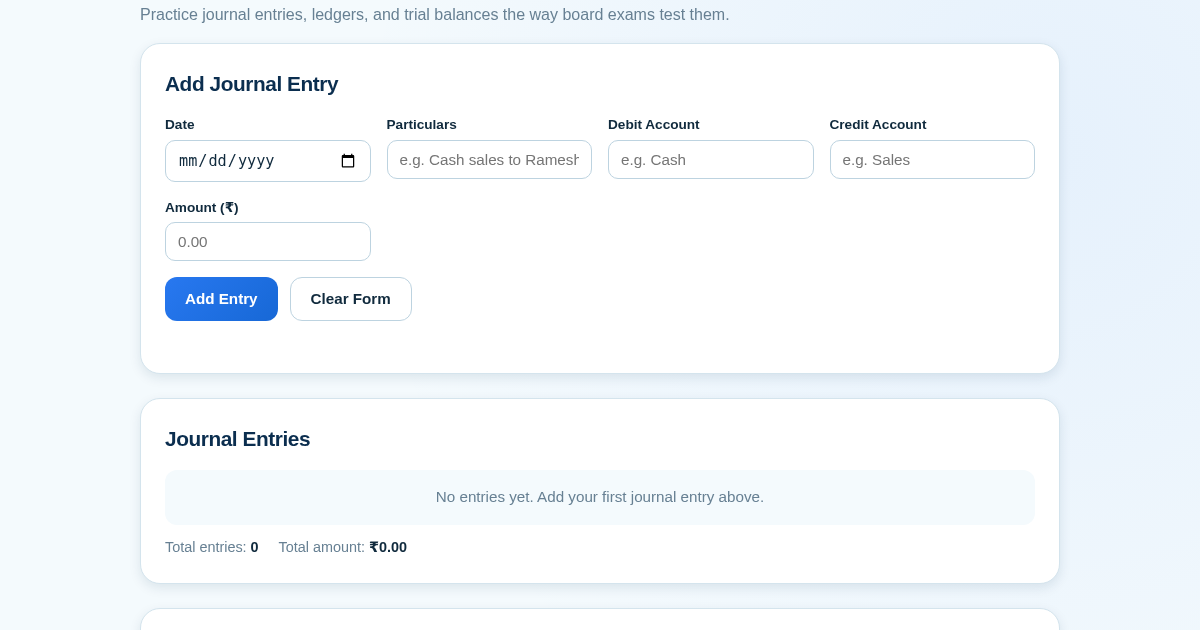
Ledger & Trial Balance Practice Tool
Commerce students in Class 10-12 need to practice journal entries and see how they flow into ledgers, trial balances, and balance sheets for board exams. This tool lets them enter transactions and instantly see the…
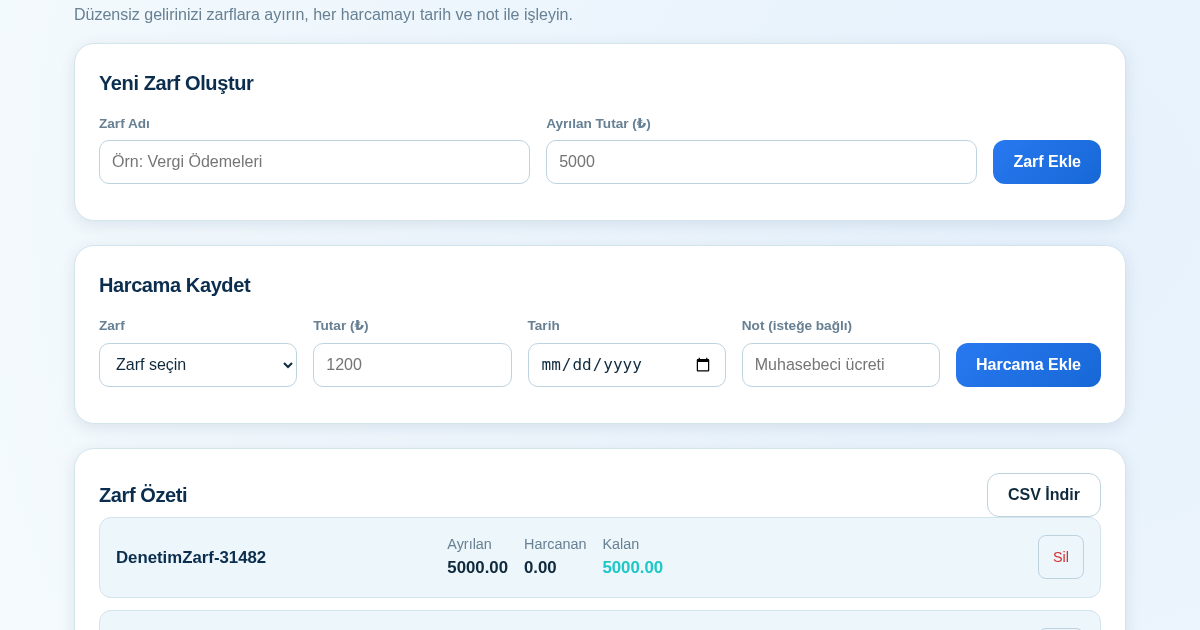
KASA - Serbest Çalışanlar İçin Zarf Bütçesi
Serbest çalışanlar düzensiz gelirlerini vergi, kira ve yaşam giderleri gibi zarflara bölerek bütçelerini düzenli tutabilir. Her harcamayı tarih ve not ile ilgili zarfa işleyerek ne kadar ayırdığını ve ne kadar…
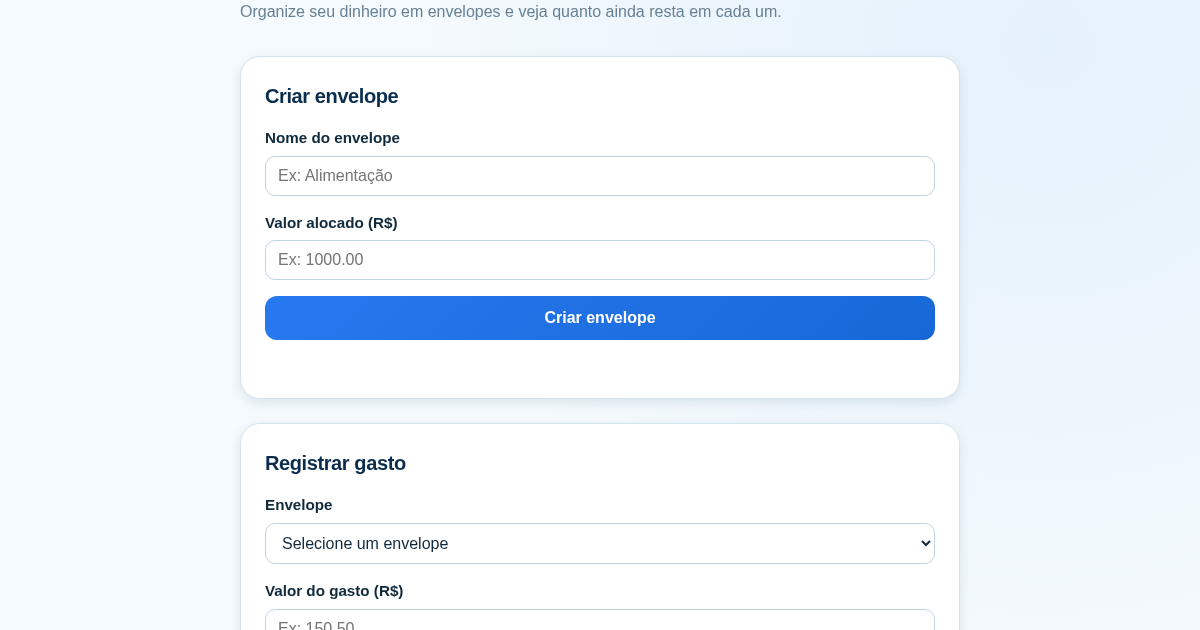
Calculadora de Orçamento por Envelopes (Pix)
Este aplicativo ajuda brasileiros a organizar seu dinheiro em envelopes de orçamento, como alimentação, transporte e lazer, sem precisar conectar uma conta bancária. Ele resolve o problema de controlar gastos do dia a…